
Instructions for using the Interactive Tool and a Glossary of Terms can be found below the Dashboard
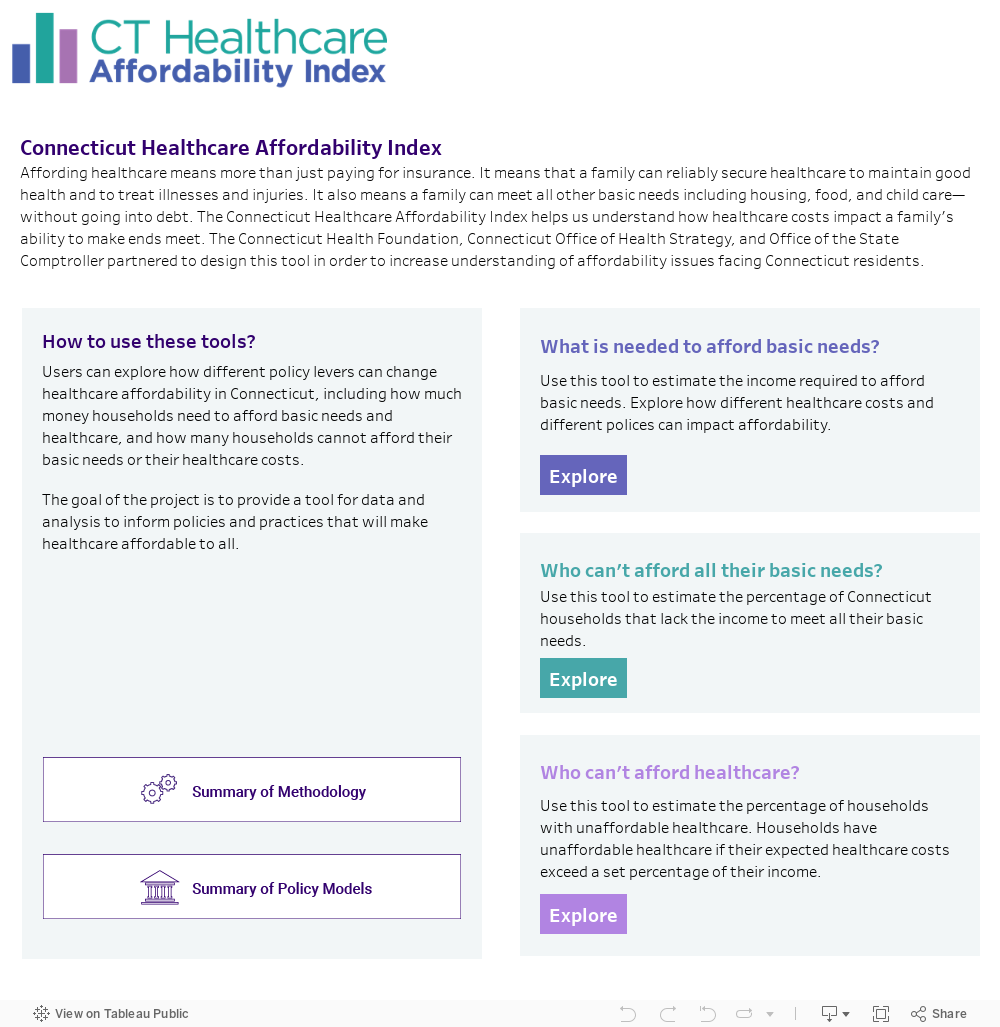
-The Connecticut Healthcare Affordability Index: What it is and how it works
-To use the "What is Affordable Healthcare?" Dashboard
-To use the "How many households have inadequate income?" Dashboard
-To use the "How many households have affordable healthcare costs?" Dashboard
|
To use the "What is Affordable Healthcare?" Dashboard:
|
|
Model Selection: |
|
Select one or more CHAI model(s) from the drop-down menu. |
|
Factor Selections: |
|
Select the Healthcare Cost Factors of interest across the following four factors: (1) Connecticut Town, (2) Health Insurance Type, (3) Health Risk Score, and (4) Adult Age Range. To view the results for “Zero Cost” health insurance, select NA from the Health Risk Score and the Adult Age Range menus. |
|
Select one of the 22 Family Compositions available. Options include combinations of: (1) Adults (1 or 2), (2) Infant (0 or 1), (3) Preschooler(s) (0 or 1), (4) Schoolager(s) (0 or 1), Teenager(s) (0 or 1). |
|
Interpreting the Dashboard Output: |
|
Monthly Costs |
|
Confirm that the Healthcare Cost Factor selections desired appear immediately below the Monthly Cost header. The Table that appears below represents the estimated monthly cost of each basic need for the Family Composition selected. Each CHAI model tests different parameters for healthcare costs or tax credits. These parameter changes may result in a different definition of an adequate income. Depending upon the factors selected, the monthly costs and basic income may be the same across CHAI models. |
|
If you would like to save your results, select the download icon in the bottom right corner of the Tableau footer. |
|
Continue to explore by clicking the “reset” button in the bottom right corner of the Tableau footer. Then repeat Steps 1 & 2 to explore how the income needed to meet basic needs changes across CHAI models based on selections made for the Healthcare Cost factors or Family Composition factors. |
To use the "How many households have inadequate income?" Dashboard:
|
|
Model Selection: |
|
Select the one or more CHAI model(s) from the drop-down menu. To view all models simultaneously select the ALL checkbox. |
|
Factor Selections: |
|
Select the Health Insurance Group Factors of interest across the following four options: (1) All Households, (2) Employer-sponsored, (3) Individual marketplace, and (4) Zero Cost. |
|
Select the Demographic Group of interest. |
|
Interpret the Dashboard Output: |
|
Income Inadequacy Rate |
|
Confirm that the Demographic Group selection desired appears immediately beside the Income Inadequacy Rate by header at the top of the Figure. Proceed to view the Figure that appears below. Each bar represents the percentage of Income Inadequacy for the specific Demographic Group and Model(s) selected, broken down for each selected Health Insurance Group(s) of interest. |
|
Hover your cursor on each bar for more detailed data. This includes the exact percentage of households with income inadequacy, along with the number of households with income inadequacy (N of numerator), and the total households (N of denominator) to generate the income inadequacy rate. |
|
If you would like to save your results, select the download icon in the bottom right corner of the Tableau footer. |
|
Continue to explore by clicking the “reset” button in the bottom right corner of the Tableau footer. Then repeat Steps 1 & 2 to change the selections made for the Model(s), Health Insurance Group(s), and Demographic Group factors in order to view the Income Inadequacy Rate for a particular demographic characteristic in each model of interest. |
To use the "How many households have affordable healthcare costs?" Dashboard:
|
|
Model Selection: |
|
Select the one or more CHAI model(s) from the drop-down menu. |
|
Factor Selections: |
|
Select the Health Insurance Group Factors of interest across the following four options: (1) All Households, (2) Employer-sponsored, (3) Individual marketplace, and (4) Zero Cost. |
|
Select the Demographic Group of interest. |
|
Interpret the Dashboard Output: |
|
Households with Unaffordable Healthcare Costs |
|
Confirm that the Demographic Group selection desired appears immediately beside the Households with Unaffordable Healthcare Costs by header at the top of the Table. Proceed to view the Figure that appears below. Each bar represents the percentage of Households with Unaffordable Healthcare Costs for the specific Demographic Group and Model(s) selected, broken down for each selected Health Insurance Group(s) of interest. |
|
Hover your cursor on each bar for more detailed data. This includes the exact percentage of households with unaffordable healthcare costs, along with the number of families with income inadequacy (N of numerator), and total households (N of denominator) to generate the unaffordable healthcare cost rate. |
|
If you would like to save your results, select the download icon in the bottom right corner of the Tableau footer. |
|
Continue to explore by clicking the “reset” button in the bottom right corner of the Tableau footer. Then repeat Steps 1 & 2 to change the selections made for the Model(s), Health Insurance Group(s), and Demographic Group factors in order to explore how the breakdown of Households with Unaffordable Healthcare Costs changes with each CHAI model. |
Glossary and Key Terms:
Models:
Healthcare Cost Factors
Cost of Basic Needs
Demographic Groups
|
County |
Total ; Fairfield ; Hartford ; Litchfield ; Middlesex ; New Haven ; New London ; Tolland ; Windham |
|
Educational attainment of householder |
Total ; Less than high school; high school graduate; some college; college graduate and above |
|
English speaking ability of householder |
Total ; Less than very well ; Very well |
|
Family Type |
Total ; No children ; Married with children ; Single father ; Single mother |
|
Food Stamp/SNAP |
Total ; No ; Yes |
|
Gender of householder |
Men ; Women |
|
Health insurance status of householder |
Total ; No health insurance coverage ; With health insurance coverage |
|
Health Risk Score |
Each household is assigned to low, medium, or high based on distributions derived from UCONN AIMS claims data by county, sex, gender, and age category of the householder |
|
Household language |
Total ; Asian and Pacific Island language ; English only ; Other Indo-European language ; Other language ; Spanish |
|
Housing burden severe |
Total ; Housing costs <= 30% of income ; Housing costs > 30 % and <= 50% of income ; Housing costs > 50% of income ; no cash rent |
|
Income compared to CHAI threshold |
Total ; Above CHAI ; Below CHAI Note that every household in the American Community Survey is assigned a CHAI income threshold that varies based the town, family composition, health insurance type, health risk score, and adult age group. The CHAI income threshold may vary based on the CHAI model selected. |
|
Marital status of householder |
Total ; Divorced ; Married ; Never married ; Separated ; Widowed |
|
Public assistance |
Total ; No ; Yes |
|
Race/ethnicity of householder |
Total ; American Indian or Alaska Native ; Asian, Native Hawaiian, and Other Pacific Islander; Black or African American ; Latinx ; Other Race, Two or More Races ; White |
|
Spending Target Family Code |
Total ; 1 Adult 0 Children ; 1 Adult 1 Child ; 1 Adult 2 Children ; 1 Adult 3 Children ; 1 Adult 4 Children ; 1 Adult 5 Children ; 1 Adult 6 Children ; 2 Adult 0 Children ; 2 Adult 1 Child ; 2 Adult 2 Children ; 2 Adult 3 Children ; 2 Adult 4 Children ; 2 Adult 5 Children ; 2 Adult 6 Children |
|
Tenure |
Total ; No cash rent ; Owner ; Renter |
|
Work Status of Householder |
Total ; Full time/part year; full time/year round; Part time/part year; Part time/year round ; Not working |